

One library for the whole family
Everyone adds from their own iPhone into the same library. One person edits a frame at a time, so nobody overwrites anybody.
 Frame Photos
In private testing. Coming to iPhone.
One shared library for your Samsung Frame TV. Everyone adds photos from their own iPhone, and the app sends them straight to the TV.
Try it
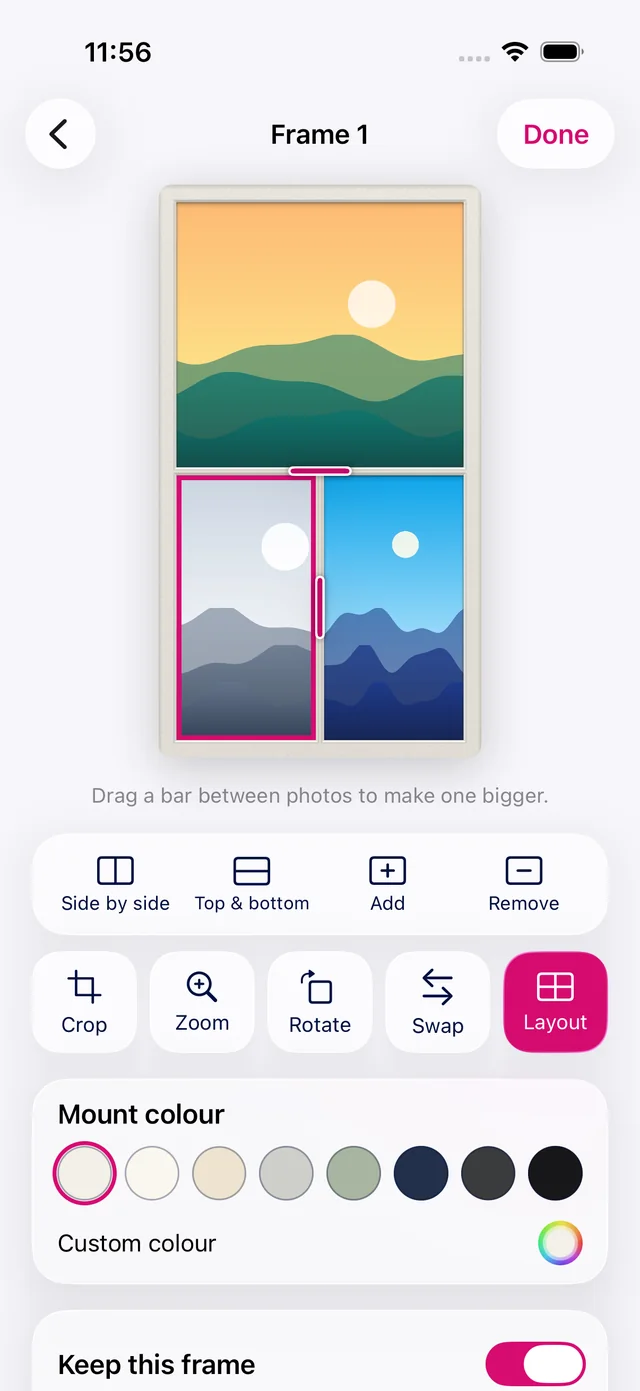
Pick a mount, split the layout and turn the TV. This is what editing a frame feels like.




Pictures here are drawn samples. In the app you can also crop, zoom, rotate, swap photos and drag the bars between them.
The app
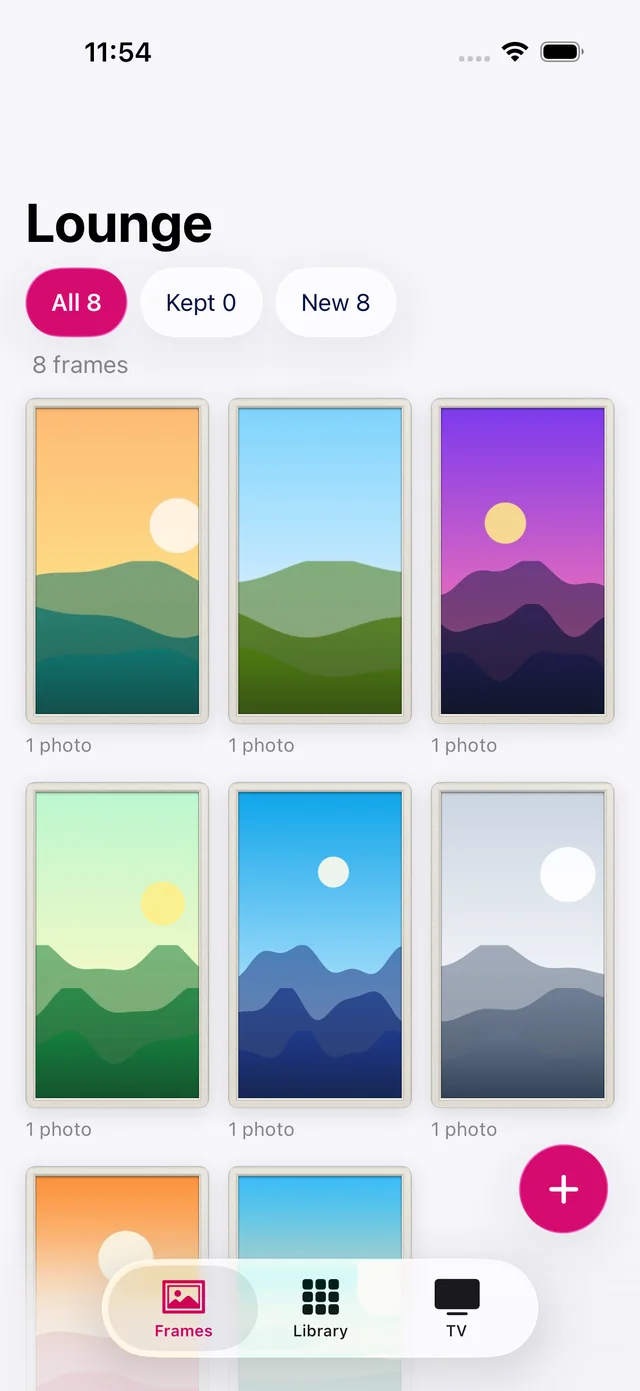
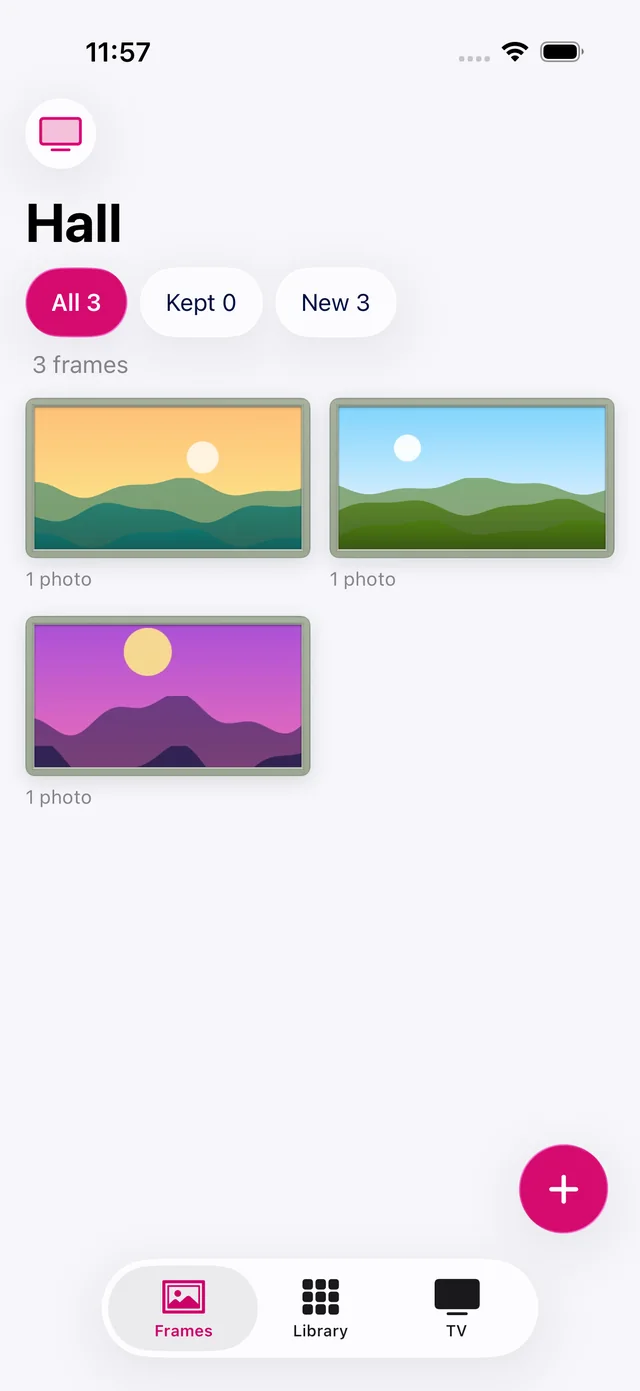
Real screens from the app. There's no hub, no extra box and no USB stick.
Features
Everyone adds from their own iPhone into the same library. One person edits a frame at a time, so nobody overwrites anybody.
Frames go directly from your iPhone over your home network. If the TV is off, the app can wake it.
Add several Frame TVs, in portrait or landscape. Each one gets its own frames from the shared library.
Reshuffle a TV's frames whenever you fancy a change. Frames you've marked to keep stay exactly as they are.
The app only ever deletes pictures it uploaded itself. Anything else already on your TV stays put unless you choose to remove it.
Privacy
Photos and thumbnails are encrypted with a key only your family's devices hold, and location and other metadata is stripped first. We store files we can't open.
How it works
Start a family, invite everyone, and add pictures from your iPhones.
Choose photos and a TV, then pick a mount. Change any frame's layout if you like.
Open the app at home and it syncs. The TV keeps its art, so the slideshow carries on with every phone away.
Frame Photos is in private testing on a 32-inch Frame, with more models to come before release.